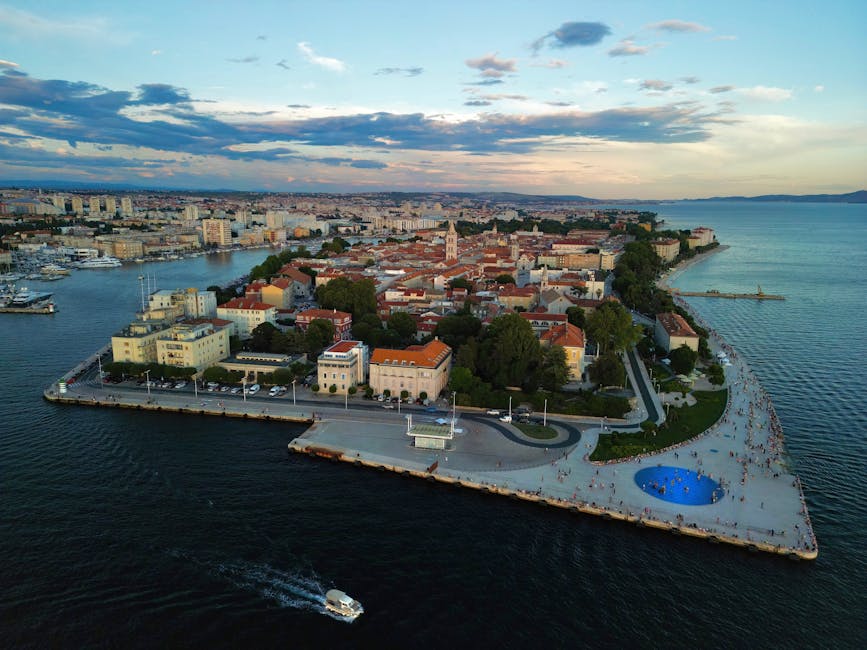






Introduction — Digital safety in Zadar: why this guide matters
Zadar, a gem on the Dalmatian Coast, draws hundreds of thousands of visitors every year with its historic waterfront, the Sea Organ, and abundant sunshine. But wherever tourism thrives, digital scams aimed at travelers follow: fake Wi‑Fi networks, tampered payment terminals, fraudulent bank authorization requests, phishing via SMS or email after bookings, and poorly configured access points in cafés and along the Riva. This practical, professional guide gives you concrete tools, trusted local spots in Zadar, and simple habits to adopt that will significantly reduce your risk.
We’ll detail the most common threats you’ll encounter in Zadar — from the Old Town (Stari Grad) around Trg Petra Zoranića and the Riva (Obala kralja Petra Krešimira IV) to the airport and the Gaženica port — and offer pragmatic advice: how to spot a fake Wi‑Fi, which public networks are relatively safe (and which to avoid), how to use contactless payments securely, and where to find official help if you need to block a card or report fraud. The tips include precise place names, addresses you can check on the spot, opening hours and rough euro prices for essential services (for example, prepaid SIM cards and data/voice costs), plus recommendations to secure your smartphone and banking apps while you’re visiting.
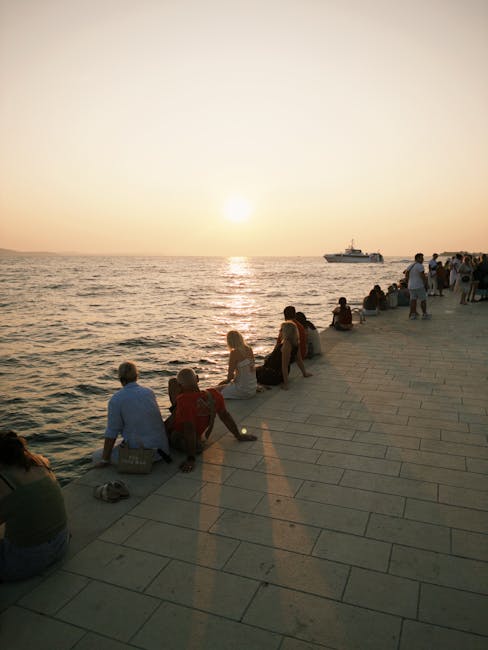
This guide isn’t just technical: it also covers practical, on-the-ground situations. For example, if you’re sipping coffee on Obala kralja Petra Krešimira IV beside the Sea Organ, you’ll find clear instructions to avoid joining the wrong network. If you disembark at Luka Gaženica (Gaženica port) or arrive at Zračna luka Zadar (Zadar Airport, Zemunik Donji), you’ll know the steps to buy a local SIM (prices, shop addresses, opening hours) and which ATMs to favor to reduce the risk of skimmers. You’ll also read real scenarios — how a single photo shared on social media can trigger a phishing attempt — and step‑by‑step responses to restore account security.
We’ve included local tips — for instance, which terraces and cafés in the Old Town offer reliable, verified Wi‑Fi (and which prefer you use mobile data) — plus phone numbers and addresses for places that can help quickly. Use this guide as an on‑the‑ground reference: print it or save it offline. Digital safety isn’t optional; it’s a travel habit. By following a few simple principles, you can enjoy Zadar — its sunsets on the Riva, the Sea Organ, and its stone lanes — without exposing yourself unnecessarily to fraud.
Understanding Wi‑Fi scams in Zadar: types, examples and how to spot them (250+ words)
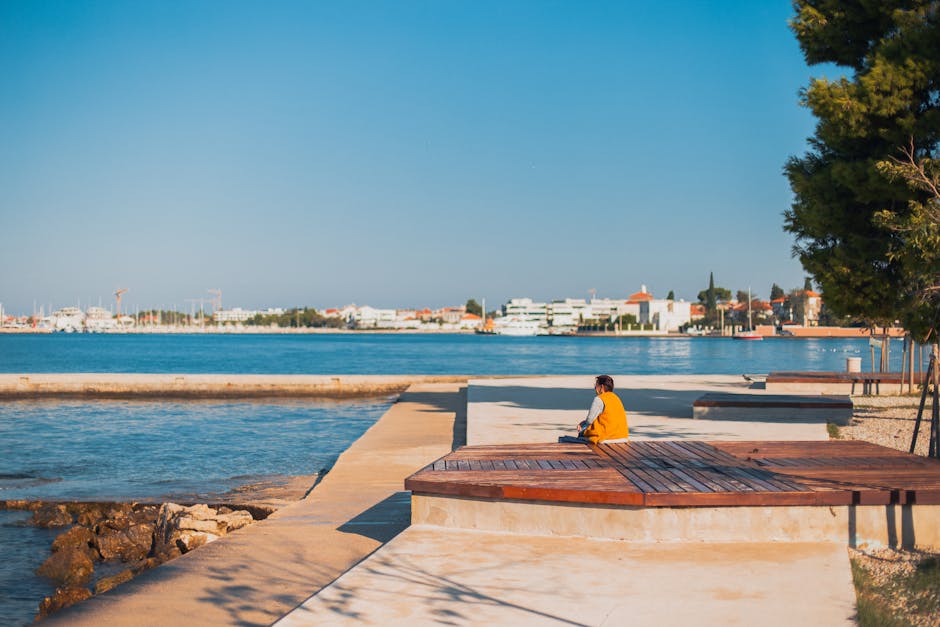
Wi‑Fi scams in Zadar follow patterns common to many tourist destinations: fake hotspots, “evil twin” networks, open networks that inject phishing pages, and interception of unencrypted data. Picture yourself sitting on Obala kralja Petra Krešimira IV facing the Sea Organ (Obala kralja Petra Krešimira IV, 23000 Zadar), and several very similar SSIDs pop up on your device: « Zadar_Free_WiFi », « Riva_WiFi », or a simulated « Cafe_Arsenal_WiFi ». A cybercriminal can set up a portable access point and wait for devices to connect. Once connected, they can capture unencrypted HTTP requests or redirect you to a fake login page.
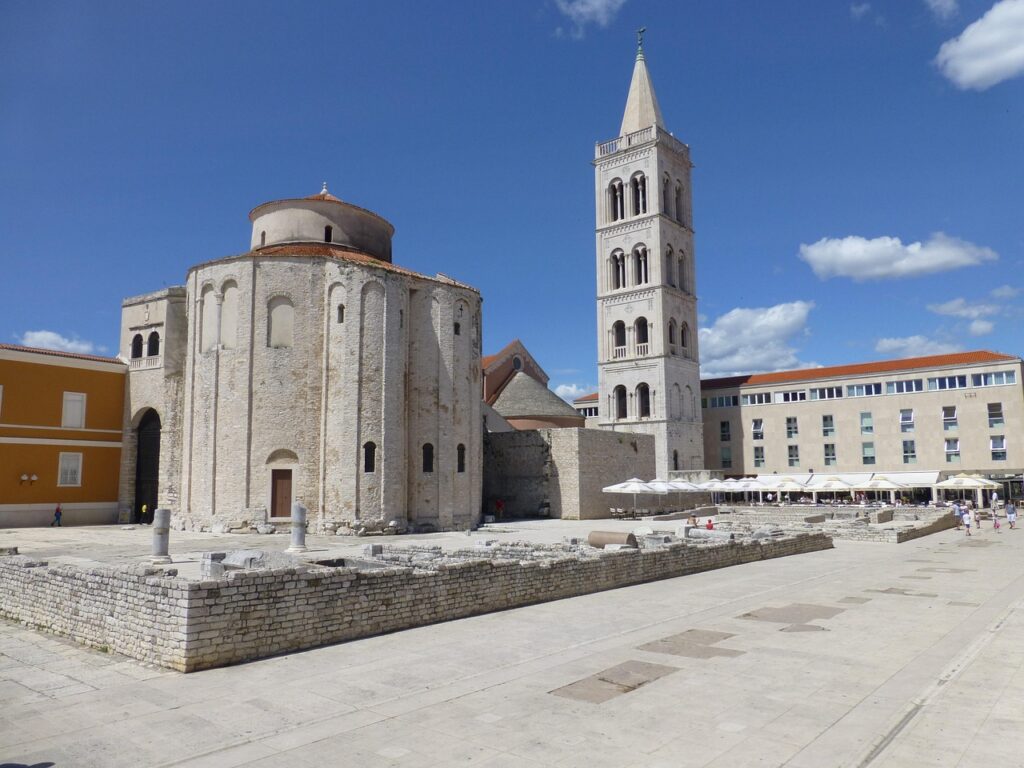
Typical signs of a suspicious network: (1) a very generic name or one that includes the word « Free » and « Zadar », (2) the absence of an official login page (legitimate venues often show a page with the café or hotel logo), (3) multiple access points with nearly identical names and varying signal strengths, (4) an immediate prompt to install an app or accept a redirection requiring excessive permissions. For example, if you’re near Trg Petra Zoranića (the square in front of St. Anastasia’s Cathedral — Trg Petra Zoranića 1, 23000 Zadar) and you see a network called « Cathedral_WiFi », check with staff or the welcome desk first. Municipal networks (when available) typically display a small notice indicating the login URL.
How to detect and avoid them: do not connect automatically to public networks. On iOS and Android, disable « Join Automatically » for open networks and forget networks after use. Prefer local 4G/5G for any sensitive transactions. If you must use a café’s Wi‑Fi, ask for the exact network name and verify the login page. Refuse to enter banking credentials on a page whose URL doesn’t start with « https:// » or whose certificate isn’t valid. Also enable a VPN (virtual private network) on your device: a reputable VPN encrypts your traffic even on public networks and greatly reduces interception risk.
Contactless payments in Zadar: safety, limits and best practices (250+ words)
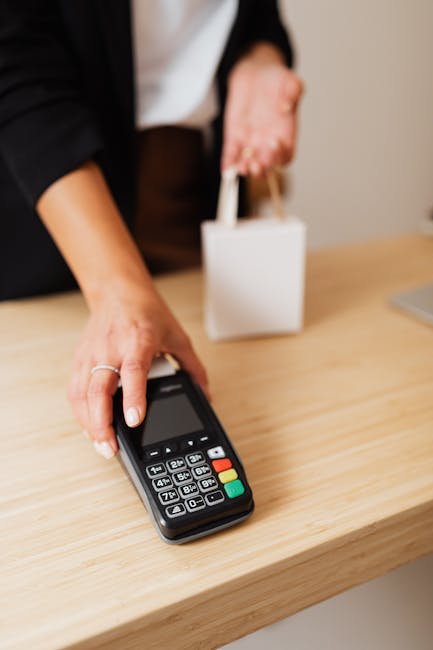
Contactless payments (NFC) are widely accepted in Zadar, particularly in shops in the historic center, restaurants along Obala kralja Petra Krešimira IV, and hotels such as Hotel Bastion (Trg tri bunara 1, 23000 Zadar). Cafés and tourist restaurants usually accept Visa and Mastercard contactless for amounts typically up to €50 per transaction (national and terminal limits may vary). But convenience requires a few sensible rules: keep your physical card or smartphone in sight at all times, use a wallet app (Apple Pay, Google Pay) if available — these services use payment tokens and are safer than a simple magnetic stripe transaction.
Main risk: tampered terminals or swapping at the till. Be wary if the server takes your card out of sight for an extended time or if the terminal asks for a « re‑initialization » or to install an app. Always verify the amount shown on the terminal before approving a transaction. Prefer to pay in front of the terminal, not away from it. If you need cash, use ATMs located inside banks such as Erste Bank or Privredna banka Zagreb. In Zadar, ATMs inside bank branches and at the airport (Zračna luka Zadar, Zemunik Donji, 23231) are generally safer than isolated machines near the port.
Operational tips: enable instant transaction alerts in your banking app (this lets you spot unauthorized activity immediately), set lower contactless limits in your bank app before you travel, and keep NFC disabled if you don’t plan to use it. For larger amounts, request a chip & PIN transaction rather than contactless. Finally, in case of loss or theft, block your card from your bank’s mobile app and report the fraud to your issuer’s international emergency number starting with +385 — always keep your bank’s emergency number stored offline.
Local resources and official services in Zadar: addresses, opening hours and what to do if something happens (250+ words)
If you suspect a scam or data loss, here are useful local contacts in Zadar, with addresses and approximate opening hours — keep these handy:
- Policija Zadar (Postaja policije Zadar) — Ulica Stjepana Radića 17, 23000 Zadar. Hours: typically 24/7 to report a crime or file a complaint. Important: for digital fraud, go to the station to obtain an official report useful for your bank or insurance claim.
- Zračna luka Zadar (Zadar Airport) — Zemunik Donji, 23231. Hours: depend on flight schedules; the information desk opens according to arrivals (check the airport website). Services: limited free Wi‑Fi, assistance desks for baggage and security. If your card is cloned after an ATM withdrawal at the airport, notify airport security immediately.
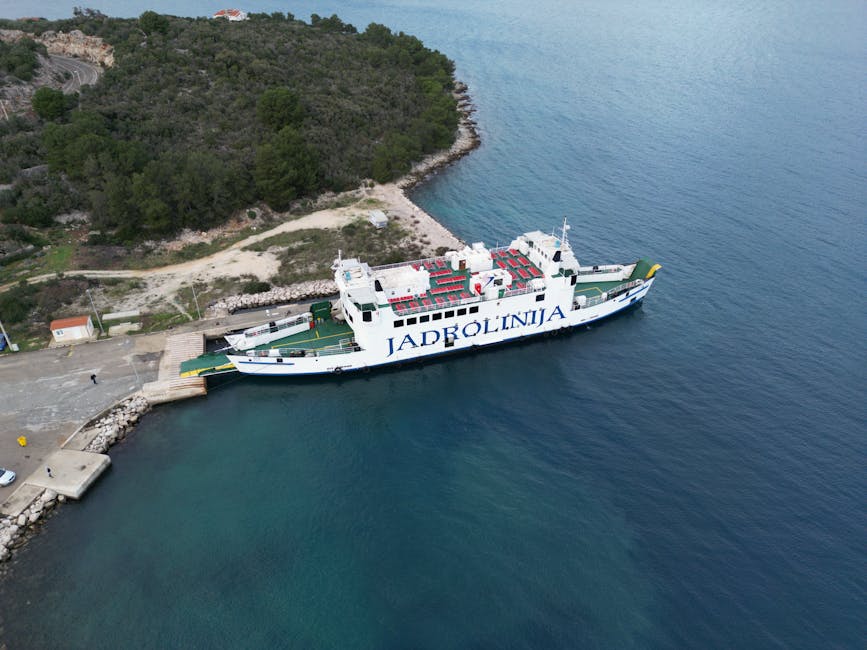
- Luka Gaženica (Zadar Ferry Port) — Luka Gaženica, 23000 Zadar. Hours: vary with ferry and catamaran departures. Note: many travelers use public Wi‑Fi before boarding; prefer mobile data for ticket confirmations.
- Gradska knjižnica Zadar (Municipal Library) — Trg Petra Zoranića 6, 23000 Zadar. Hours: typically 08:00–20:00 (check locally). Resource: institutional Wi‑Fi that’s comparatively safer, useful to access accounts to verify transactions.
Practical steps if an incident occurs: obtain a police report (it may be available in English) and request a printed copy; contact your bank immediately via the emergency number on the back of your card; if you use a banking app, change your password and enable two‑factor authentication (2FA). For immediate card blocking, Croatian banks like Hrvatska poštanska banka or Erste Bank provide emergency lines; otherwise, block via your home bank’s app. Also, if you need a replacement card or consular assistance, note the address of your country’s consulate or embassy (verify details before travel and store them offline).
Technical tips and everyday habits to stay protected in Zadar (250+ words)
Simple habits often prevent the majority of digital problems. Before you go, back up your travel documents offline and enable strong passcode or biometric locks on your smartphone. Install system and app updates — patches frequently close vulnerabilities exploited on public networks. Also keep a paper or offline PDF copy of your bank emergency contacts and note your IBAN in case you need to report a transaction remotely.
While traveling in Zadar, follow these practical rules:
- Use an eSIM or a local SIM: operators like Hrvatski Telekom, A1 Hrvatska and Tele2 sell prepaid SIMs. Indicative price: a SIM with 5–10 GB of data ≈ €10–20; available at kiosks, airport shops or operator stores (airport shop hours depend on flight schedules).
- Keep a VPN on: before accepting public Wi‑Fi, enable a paid VPN (NordVPN, ExpressVPN, ProtonVPN) to encrypt your connections.
- Turn off automatic sharing: disable Bluetooth and file sharing in crowded tourist areas (the Riva, Kalelarga street).
- Review app permissions: an app requesting access to SMS, contacts and payment functions probably doesn’t need all of them.
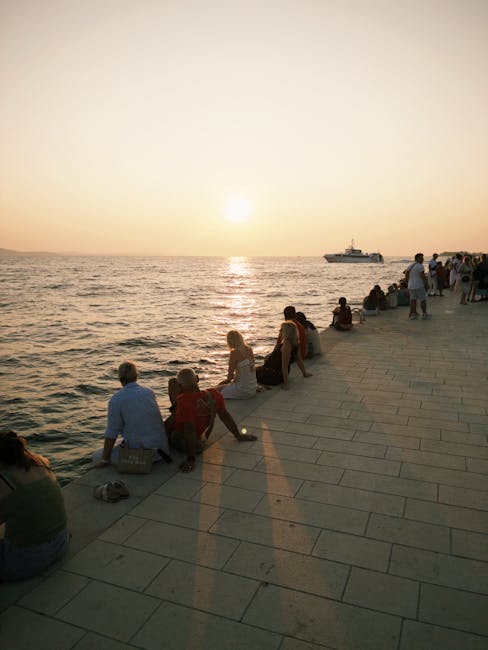
Finally, stay alert but calm: enjoy the Sea Organ’s sunsets and the « Greeting to the Sun » without digital carelessness. If you follow these simple rules — VPN, local SIM, checking terminals, transaction alerts and disabling auto‑connect — you’ll eliminate most risks and be free to enjoy Zadar with peace of mind.
Conclusion — Traveling connected in Zadar with confidence
Zadar is easy to love: landmarks like St. Anastasia’s Cathedral (Trg Petra Zoranića 1), the Riva (Obala kralja Petra Krešimira IV) and its winding streets make a fantastic backdrop for your holiday. Still, digital safety deserves as much attention as physical safety. The main threats — fake Wi‑Fi hotspots, tampered payment terminals and phishing — are avoidable if you adopt clear habits and rely on trusted sources for services (operator shops, official ATMs, bank branches).
Remember: don’t connect automatically to public networks, always ask for the exact official Wi‑Fi name from an establishment, enable a VPN and banking notifications, limit contactless payment use for larger amounts if you’re unsure, and always check the amount shown on a terminal before approving a payment. Keep local addresses and emergency numbers (police at Ulica Stjepana Radića 17, Zračna luka Zadar at Zemunik Donji, Luka Gaženica) and request an official report if you experience fraud — it’s often essential for recovering funds through your bank or insurance.
In the end, technology should enhance your trip, not ruin it. With a few precautions — VPN, a local SIM for €10–20, vigilant behavior and access to official services — you can fully enjoy Riva sunsets, the Sea Organ and Old Town cafés without worry. Travel connected, but responsibly: Zadar deserves your attention for its charms, not for digital traps.